identifierNumber
+12345678900The number as the API returns it, in E.164.
Submit one number and the same response returns its original allocation: carrier, line type, country and allocation region. Explore the fields before you integrate.
Illustrative sample · not a live lookup
The same number can raise different questions for sales operations, messaging, risk, and telecom data teams. Here is what this result can help each team do.

Add carrier, country, region, and line-type context to an existing record. Sales, messaging, and risk teams can use the same result to spot mismatches, prioritize review, and choose the next step.
From a fixed CarrierLookup test sample; unavailable fields are marked as not returned.The same lookup fields can move four different teams forward once they become part of a working record. These are illustrative business workflows.
A campaign lead gives Canada in the form and leaves this phone number. Before handoff, the CRM needs the submitted details and number context on the same record.
Keep Canada as the submitted country. Add T-Mobile, US, OH and AKRON to separate number-context fields so sales can decide how to route and approach the lead.
Save the lookup source and time with the handoff. Sales can clarify the market during first contact and update lead ownership without overwriting the customer’s answer.
At handoff, sales compares the submitted Canada value with allocation country US, confirms the target market and owner, then keeps both values and the lookup time on the CRM lead before updating its assignment.
Lookup fields come from a real test sample. Existing team data and follow-up actions illustrate possible workflows.
From record enrichment to task assignment, these fields help teams spot differences, record the evidence, and move the next review forward.
Explore detailed work examplesUse the returned carrier, number type and location fields to organize phone records.
POST /api/v1/check200 OKidentifierThe number as the API returns it, in E.164.
number_typeLine type as the provider reports it — for US numbers it is usually “Fixed Line or Mobile”, which does not separate the two.
country_codeTwo-letter ISO country code.
carrierCarrier the number was originally allocated to. Not the current carrier after porting.
regionAllocation region — a state or province code. Can be empty.
cityAllocation city as the provider writes it; sometimes an exchange code rather than a place name. Never a live location.
An empty optional field does not make a lookup invalid.See field guidance →
See one number move from a team discussion into a record with carrier context.

Maya’s team receives a phone list to organize. It contains numbers but little context for the handoff. She checks one number first and places its original carrier and country code beside it so a colleague can continue the review and grouping.
Keep the original number, add carrier and country_code as separate columns, and note the lookup source. The next teammate can see T-Mobile and US before deciding which records need another check.
Review the single-number request and the typed response, then call the same endpoint with your own API key.
Original allocation only. No current-carrier, reachability or real-time location claim.
Read API documentationcurl "https://carrierlookup.online/api/v1/check" \
-H "Authorization: Bearer YOUR_API_KEY" \
-H "Content-Type: application/json" \
-d '{"service_type":"carrier",
"identifier":"+12345678900"}'Pay for what you check — no subscription required. One balance covers every check you run.
Permanent top-up
Balance credited$19.90
Balance never expires. Use it across every product in your account.
See all plans →30-day plans
Balance credited$10.40
Same spend, more bonus balance. Renews every 30 days.
See all plans →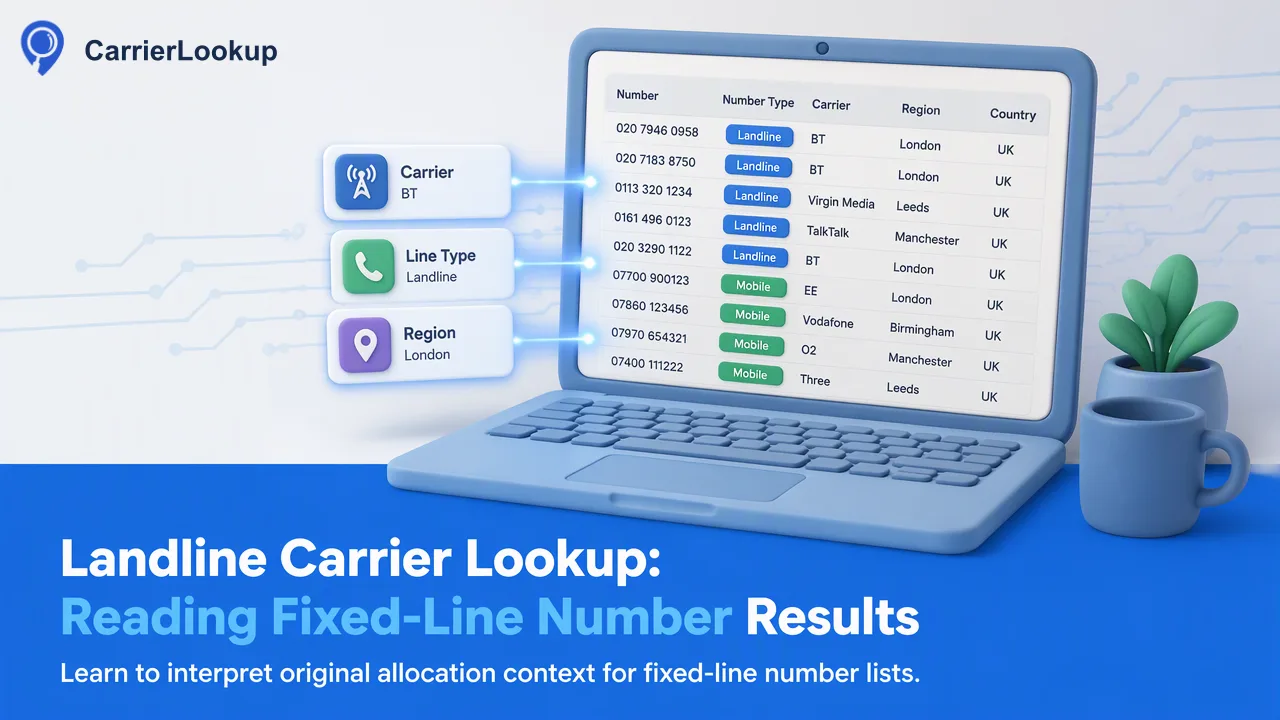 Landline Carrier Lookup: Reading Fixed-Line Number ResultsLearn what an original carrier lookup may return for a fixed-line number, how to review allocation geography, and how to handle mixed mobile and landline lists.Read article
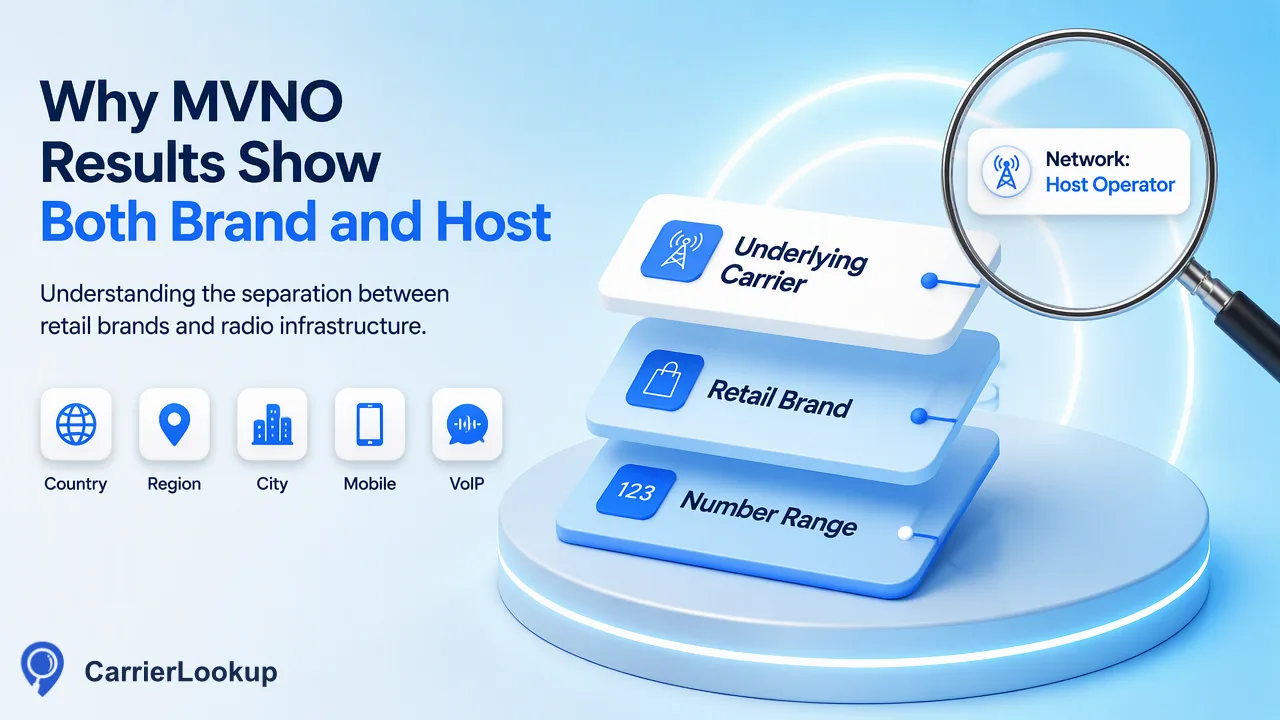 MVNO Meaning: Brand Carriers, Host Networks and Lookup ResultsMVNO means mobile virtual network operator: a provider that offers mobile service through access to another operator's radio network. The provider.Read article
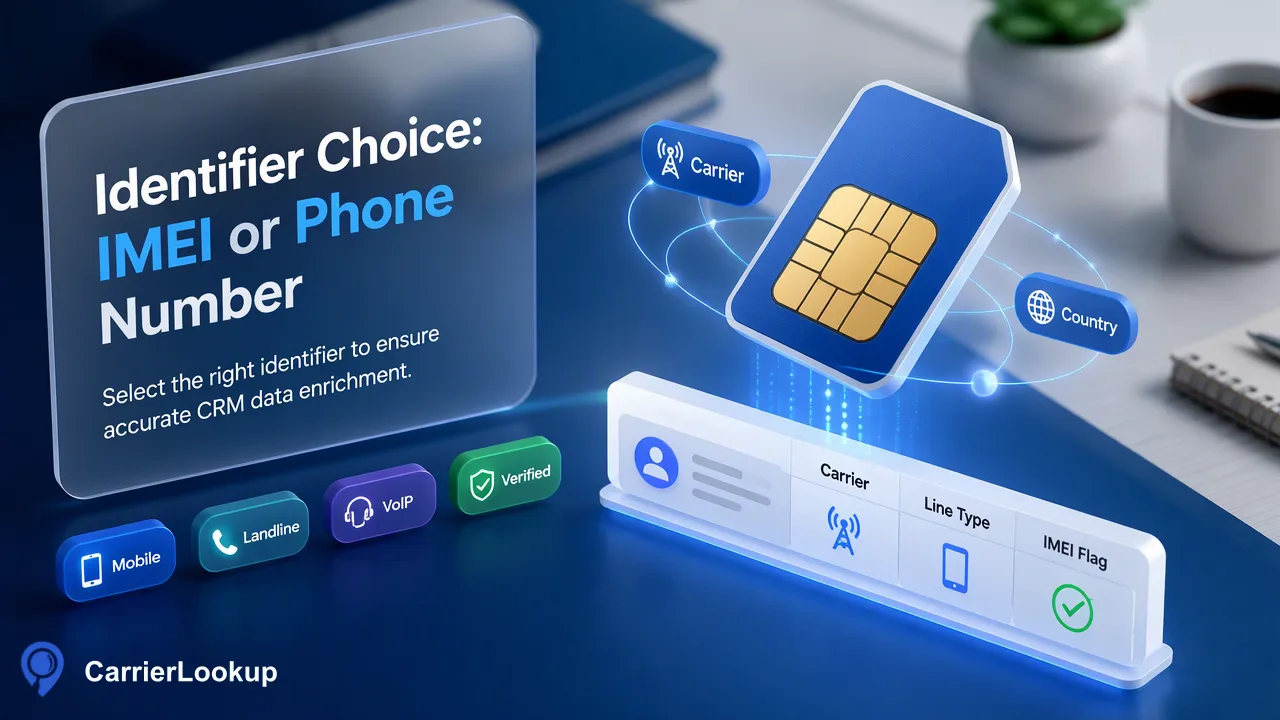 Carrier Lookup by IMEI vs by Phone Number: What Each One Tells YouA carrier lookup by IMEI and a carrier lookup by phone number start with different identifiers and answer different questions. An IMEI identifies cellular.Read article
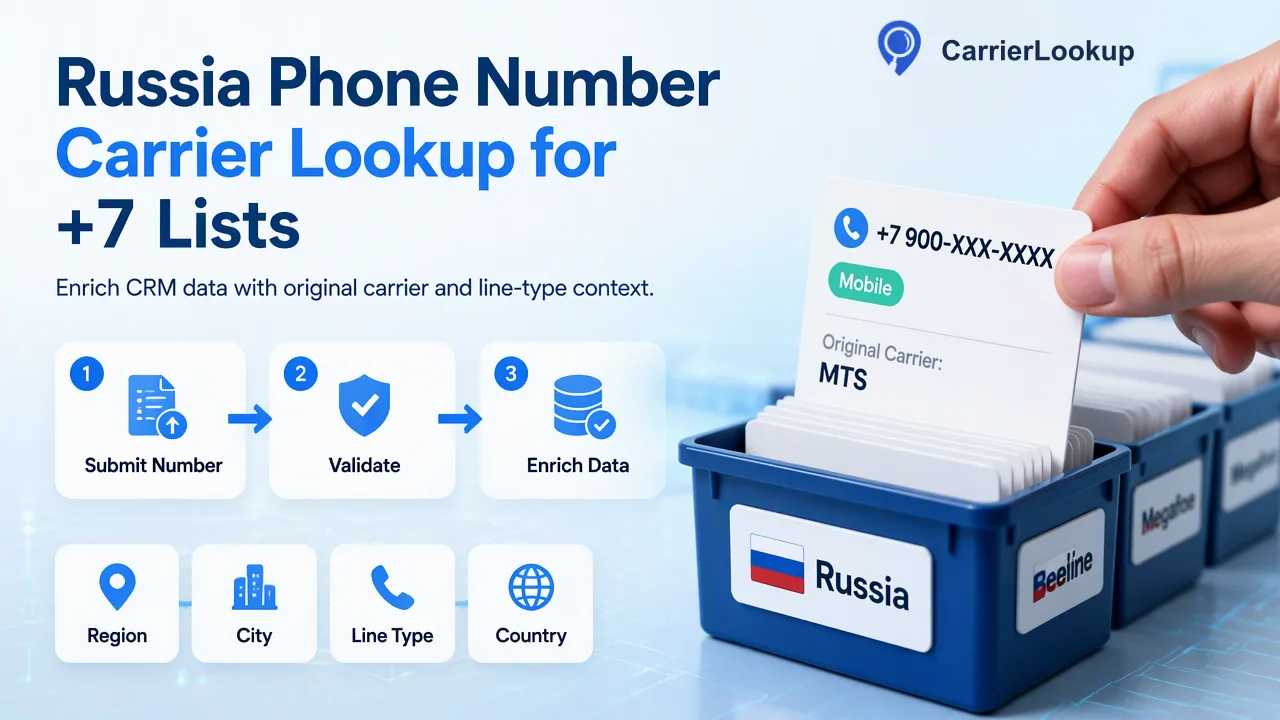 Russia Phone Number Carrier Lookup for +7 ListsLearn russia phone number carrier lookup with correct number formatting, original allocation context, and practical single or list-check workflows.Read article
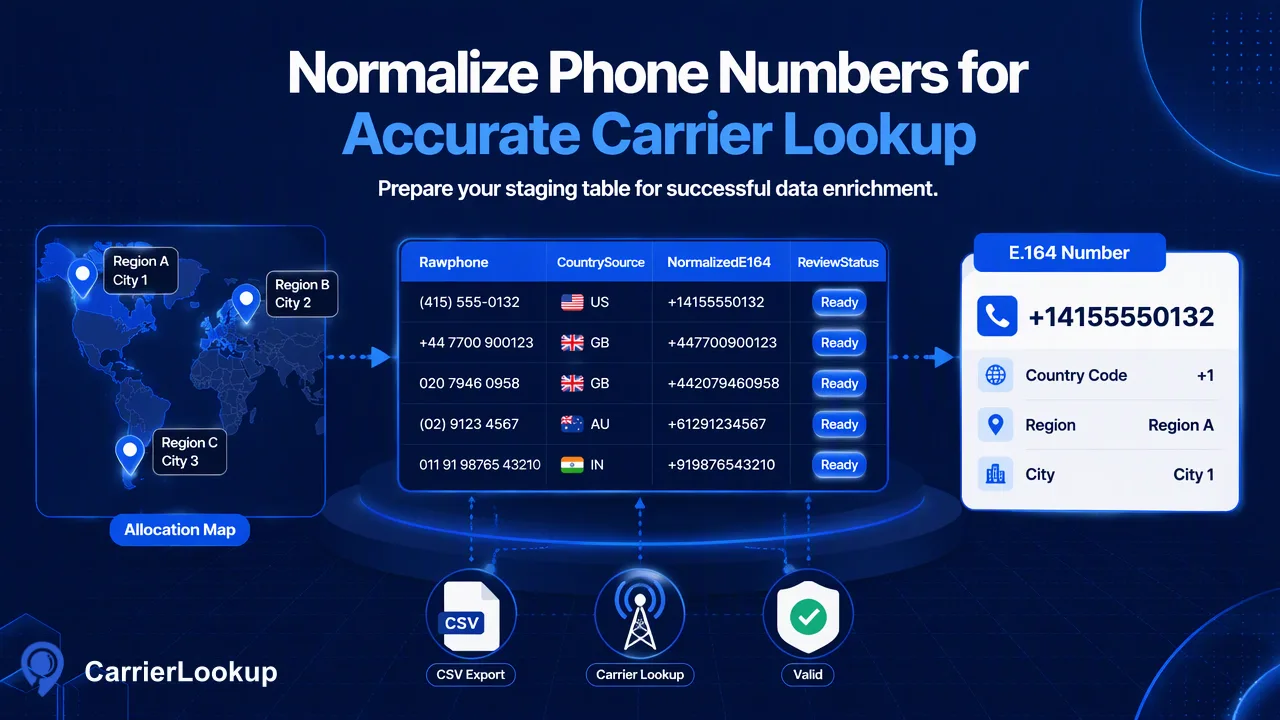 Normalizing Phone Numbers to E.164 in BigQuery for LookupTo normalize phone numbers to E.164 in BigQuery before a carrier lookup, preserve the raw column, strip presentation characters in a working column, and adRead article
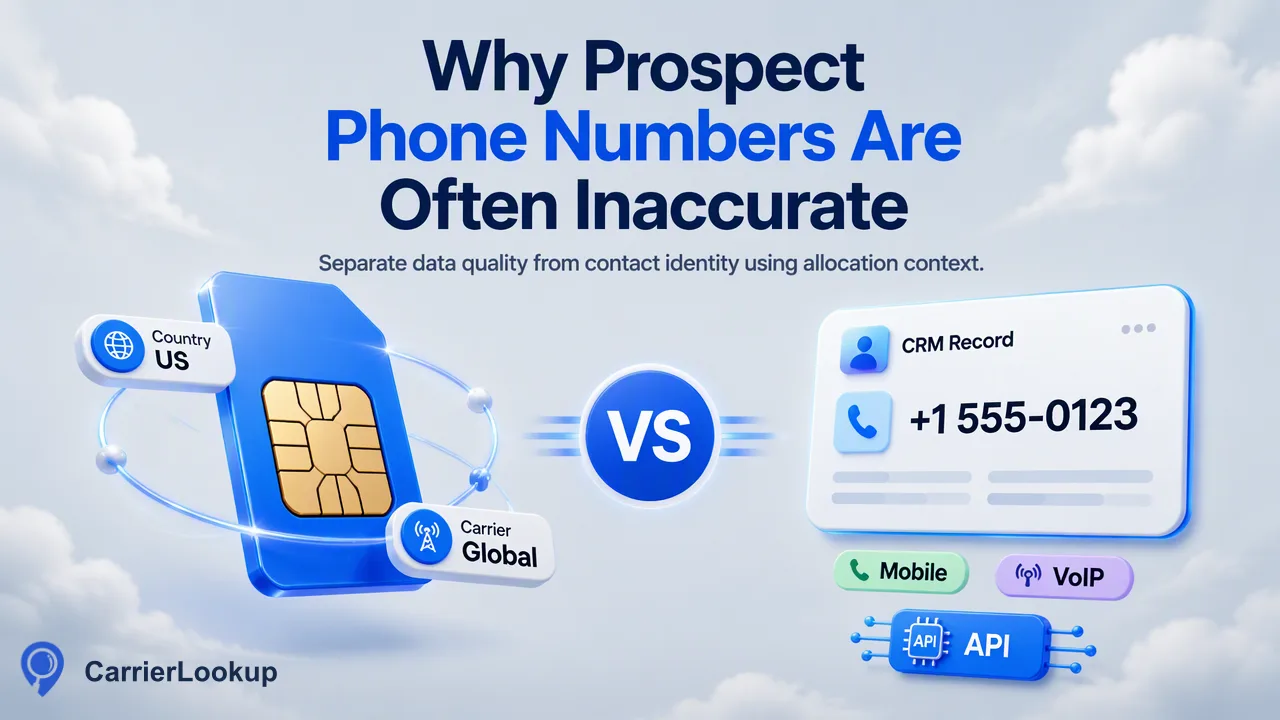 Why Prospect Phone Numbers from Contact Data Tools Are InaccurateInaccurate prospect phone numbers often reflect a data-handling problem before they reflect anything about the person: missing country context, malformed fRead article
Answers on carrier data, balance, API access, and failed lookups.
Submit one number in E.164 form and CarrierLookup returns the network it was originally allocated to in the same response, as top-level fields of the result. There is no task queue, no polling and no callbacks. Nothing is ever sent to the number.
The lookup is real time; the data is original allocation — keep the two apart. Once a number is submitted, the result comes back in the same HTTP response as top-level fields, with no task queue, no polling and no callbacks. What it returns is the network that number range was originally allocated to. It does not follow number portability, so it is not necessarily the carrier serving the number today, and it says nothing about whether the number is reachable. The dashboard, the single-number API and the synchronous multi-number API all return the same fields.
Permanent balance is a one-time purchase and does not renew. 30-day plan balance is valid for 30 days from payment; unused balance expires at the end of the current cycle. Plans renew automatically every 30 days until you turn off auto-renewal. Turning it off stops future charges; the current plan stays usable until it expires. Checks that fail or are undetermined are refunded to the relevant wallet.
Create a free account and contact support to get 100 free checks. You can top up at any time.
Permanent top-ups can be paid by credit card, other supported card payments, or cryptocurrency. 30-day plans use secure hosted card checkout and renew every 30 days. Card payments carry no extra fee. Cryptocurrency may include a service fee, shown at checkout.
Create an API key in Settings, then call /api/v1/check with the X-API-Key header, a number and service_type=carrier. The carrier data comes back in that same JSON response as top-level fields — carrier, underlying_carrier, number_type, country_code, region and city; several numbers can be sent together through the synchronous multi endpoint.
No. A result only reports the network a number was originally allocated to. It does not follow number portability and does not mean the number is currently reachable. You remain responsible for consent and applicable rules before contacting anyone.
Sign up and contact support for 100 free checks