
UK Phone Number Carrier Lookup: Finding the Original Network for +44 Numbers
Normalize +44 numbers, run single or file lookups, and read the original network and number type for UK contacts, including why porting changes the picture.
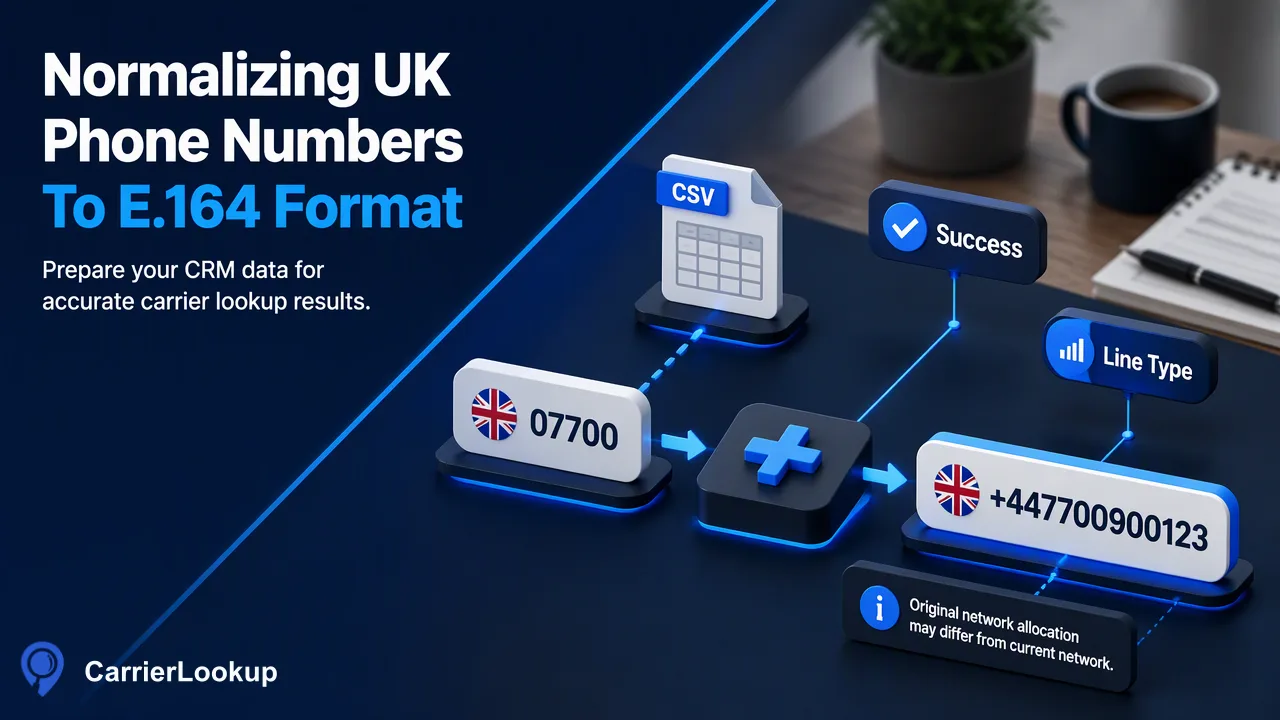
How UK CRM teams format +44 numbers, choose between synchronous checks and a UK file task, and read the original network and number type correctly.
A UK phone number carrier lookup takes a +44 number in international format and returns the network the number range was originally allocated to, together with its number type and allocation geography. To get clean results, convert each UK number to E.164 by removing the leading 0 and adding +44, so 07700 900123 becomes +447700900123. Use synchronous checks for a handful of numbers and a single-country file task for a full CRM export. Because UK subscribers can keep their numbers when switching provider, the original network can differ from the one serving the number today.
What a UK phone number carrier lookup returns
For each UK number, CarrierLookup returns the original carrier, an underlying carrier, a number type, the country code and the region and city linked to the allocation. In UK terms:
- Original carrier is the communications provider that Ofcom allocated the number block to. Ofcom publishes numbering data showing which provider holds which ranges, and the lookup reads that kind of allocation context for a whole list.
- Underlying carrier helps when a brand and the network it runs on differ, which is common in a market with many virtual operators.
- Number type separates mobile ranges from geographic, non-geographic and special ranges.
- Region and city describe where a geographic range is assigned, such as an area code for a town. They are allocation geography, not the contact's whereabouts. For mobile ranges, which are national, expect them to say little about place.
Results are allocation context for routing, segmentation and review. They do not indicate whether the number is in service or who uses it.
Normalizing UK numbers to +44 E.164 format
UK CRM data mixes national and international styles, and lookups need one shape: a plus sign, the country code and the national number with no spaces, as set out in ITU-T E.164. Apply these steps in order:
- Remove spaces, dashes, dots and brackets.
- If the value starts with 0044, replace it with +44.
- If it contains +44(0) or 44(0), remove the (0). The bracketed zero is a national trunk prefix that must not be dialled internationally.
- If it starts with a single 0, drop the 0 and add +44.
- If it starts with 44 and has the right length, add the plus sign.
- Check the length. Most UK numbers have ten digits after +44; flag anything far off for manual review instead of guessing.
| Raw CRM value | Normalized |
|---|---|
| 07700 900123 | +447700900123 |
| +44 (0)20 7946 0018 | +442079460018 |
| 0044 7700 900456 | +447700900456 |
| 447700900789 | +447700900789 |
The sample numbers come from ranges Ofcom reserves for drama, so they are safe for test data and documentation. A format rejection from the API means the input still needs fixing, not that a lookup found no network.
Reading UK prefixes before and after the lookup
The first digits of a UK number already tell you a lot, and the lookup confirms and refines it. According to Ofcom's guide to numbers and call costs and its page on geographic numbers:
| National prefix | Designated use | What to expect in results |
|---|---|---|
| 01, 02 | Geographic fixed lines tied to an area code | Fixed-line type with allocation region and city |
| 03 | UK-wide numbers charged like geographic calls | Non-geographic business numbers |
| 07 (most) | Mobile | Mobile type and an original mobile network |
| 070, 076 | Personal numbering and pagers | Not ordinary mobiles, despite the 07 start |
| 080 | Freephone | Business contact points |
| 084, 087, 09 | Service-charge and premium-rate numbers | Business or service lines |
Use the prefix as a quick pre-filter, for instance to spot obvious switchboard numbers in a list of supposed mobiles. Rely on the lookup for the network and number type, because the 07 range alone hides several designations and the network cannot be read from the digits once ranges are spread across many providers.
Why the original network can differ from today's network
UK mobile users can switch provider and keep their number. Under Ofcom's switching rules, a customer can text PAC to 65075 to get a switching code, give it to the new provider, and the move should normally complete within one working day. The number stays the same, but the network serving it changes.
This is why a UK phone number carrier lookup reports the original network. The allocation belongs to the range, and porting does not move the range to another provider's records. A number originally issued by one mobile operator may have moved two or three times since.
How to handle it in practice:
- Label the CRM field "Original network" rather than "Network" so users are not misled.
- Use the original network for grouping and for testing routing assumptions, not as a final statement of who serves the number now.
- When the underlying carrier differs from the original carrier, keep both; the pair often explains brand-versus-network confusion in reports.
- Re-run lookups on a schedule if reports depend on fresh context, and keep the lookup date beside each value.
Choosing synchronous checks or a UK file task
Pick the route by list size and how quickly you need the answer.
Synchronous checks. POST /api/v1/check handles one number; POST /api/v1/batch-check handles 1 to 100 numbers per request and returns rows in input order. The dashboard accepts up to 500 numbers in one synchronous batch. These routes accept mixed countries, so a UK list containing a few Irish or US numbers is fine. In multi results, a row with exists=false had no normal result; keep it for a later retry.
UK file task. For a full export, create a bulk task with POST /api/v1/bulk-tasks:
- Export one column of numbers, one per line, as TXT or CSV.
- Select the United Kingdom as the country. The list should be essentially UK numbers; rows outside the selected country, duplicates and invalid rows are excluded and not charged.
- Poll
GET /api/v1/bulk-tasks/{id}no more than once every 30 seconds until the state is success or failed. - Download the single CSV. Its identifier column holds plain digits with the country code and no plus sign, such as 447700900123, so add the plus back before matching to E.164 records.
Per-product file limits apply; check the API documentation before exporting a very large list.
FAQ
How can teams match CSV results back to the original UK records?
Keep a normalized E.164 copy of every number in the source table before exporting. When the CSV arrives, prefix each identifier with a plus sign and join on that normalized value, not on the raw CRM text. Numbers excluded during preprocessing will not appear in the output, so treat missing matches as unchecked rows and review their formatting before trying again.
Should UK landlines and mobiles go through the same lookup?
Yes. Both are +44 numbers and both can be checked through the same routes. The number type in each result lets teams split them afterwards, which is more reliable than splitting by the leading digits beforehand, because some 07 ranges are not ordinary mobiles. Geographic numbers also carry allocation region and city, which helps when grouping fixed lines by area code.
How often should a UK list be re-checked?
Original allocation context changes slowly, so a full re-check is rarely needed more than a few times a year for stable records. New and recently edited records are a better target: check them as they arrive. If a report depends on the original network, show the lookup date beside it so readers understand how fresh the context is.
Learn More
Choose the product information that fits the next step in your workflow.