
Turkey Phone Number Carrier Lookup: Finding the Original Operator of +90 Numbers
Format +90 numbers, read the originally allocated Turkish operator and number type, and choose between a quick check and a file task for full lists.
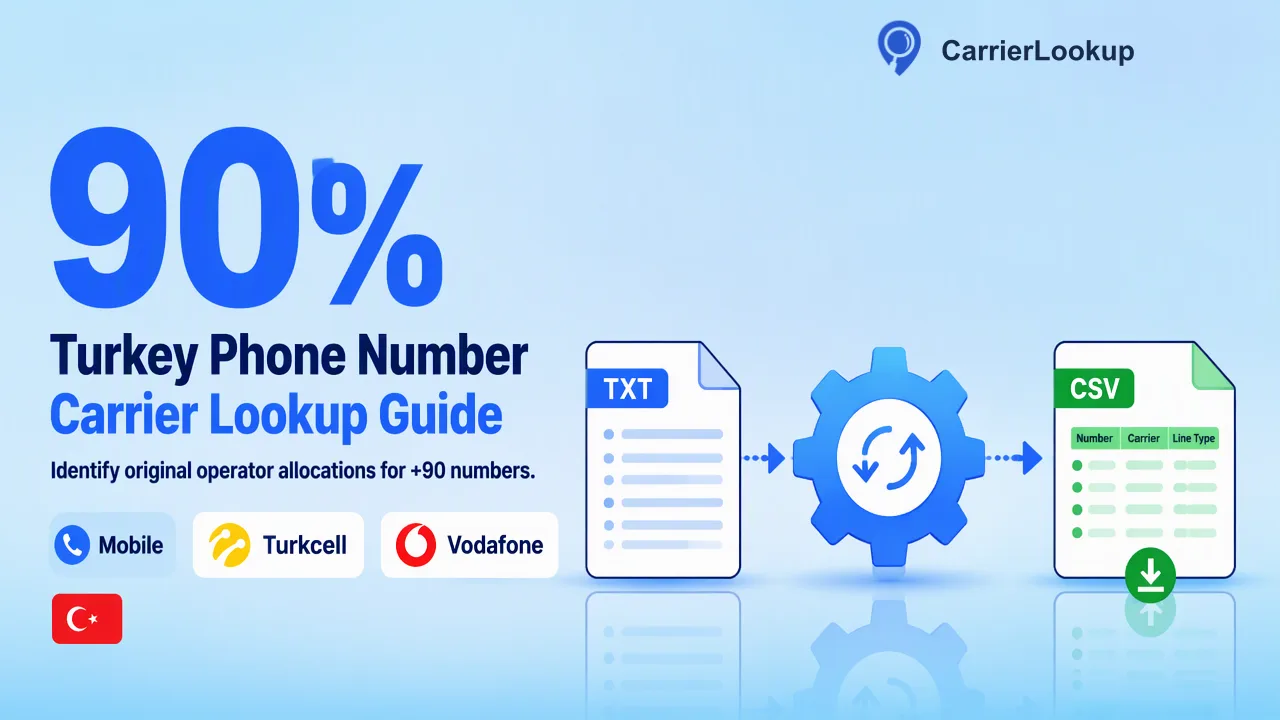
A practical guide to looking up the operator a Turkish +90 number range was originally allocated to, how that differs from BTK's ported number query, and how to run quick checks or a Turkey file task.
A Turkey phone number carrier lookup tells you which operator a +90 number range was originally allocated to, such as Turkcell, Vodafone Turkey or Türk Telekom, together with the number type and the allocation region. To run one, convert each number to E.164 (for example +905321234567), then use a synchronous check for a few numbers or a file task with Turkey selected for a whole list. Because Turkish subscribers can port numbers between operators, the original operator may differ from the network serving the line today; the official ported number query from the regulator, BTK, is the place to check one specific number's porting status.
What a Turkey phone number carrier lookup returns
Most pages ranking for this search stop at a prefix table: 530–539 for Turkcell, 540–549 for Vodafone Turkey, and 500–509 and 55x for Türk Telekom, as summarised in the Telephone numbers in Turkey overview. Prefix tables are a reasonable first guess, but they do not show sub-allocations, brand operators running on a host network, or how the range is classified.
A CarrierLookup result describes the specific number range in plain words:
- Original carrier: the operator the range was originally allocated to.
- Underlying carrier: the host network when a brand operator runs on another operator's infrastructure; often empty.
- Number type: mobile, fixed line or another classification of the range.
- Country code, region and city: where the range was allocated. For Turkish mobile ranges these fields may be empty, while geographic fixed-line ranges are tied to an area code.
Region and city describe numbering geography only, not where the person or handset is. Any of these fields can be empty in a completed result, which means the value is unavailable rather than negative.
Original operator vs BTK's ported number query
Turkish subscribers can port mobile, geographic and non-geographic numbers between operators under the number porting process administered by BTK. After a port, the number keeps its original prefix while calls are routed to the receiving operator, which is why a prefix or an allocation lookup can show a different operator from the one serving the line now.
The two sources answer different questions:
| Question | Original-allocation lookup | BTK ported number query |
|---|---|---|
| What it describes | The operator the range was first allocated to | Whether a specific number has been ported |
| Access | Dashboard, REST API or MCP | Through the e-Devlet portal, as BTK states |
| Volume | One number up to a whole file | Individual queries |
| Typical use | Grouping a list, enrichment, routing tests | Checking one line, for example before a porting request |
Teams that need the allocation context for thousands of records use the lookup. A person checking their own line, or a support agent handling a single disputed number, uses the official query instead.
Formatting +90 numbers before the lookup
Turkish numbers are usually written nationally with a trunk 0, such as 0532 123 45 67, and the national significant number has ten digits: a three-digit area or mobile code followed by seven subscriber digits. Formatting errors are the most common reason a Turkish list produces rejected rows.
- Strip separators. Remove spaces, brackets, dots and dashes.
- Remove the trunk 0.
05321234567becomes5321234567. - Remove international prefixes. Strip a leading
00or0090written by people dialling from abroad. - Add the country code. For synchronous checks, write
+905321234567with the plus sign. For a file task, one plain-digit number with country code per line, such as905321234567, matches the identifier style of the returned CSV. - Check the length. After
90there should be ten digits. Rows with nine or eleven digits usually contain a typo or a leftover trunk 0. - Separate short codes. Call-centre numbers starting with 444 are dialled as seven digits inside Turkey and do not follow the ten-digit pattern; keep them out of the lookup list.
The ITU E.164 recommendation defines the international format these steps produce.
Checking a few Turkish numbers synchronously
For a handful of numbers, for example new leads arriving during the day or a support ticket, a synchronous check returns the answer in the same response.
- Dashboard: paste one number, or up to 500 numbers in the realtime batch box, and read the results on screen. No country selection is needed because the
+90in each number carries it. - REST API, one number: send one E.164 number to
POST /api/v1/checkwith yourX-API-Keyheader from a trusted server. - REST API, several numbers: send 1–100 E.164 numbers to
POST /api/v1/batch-check. Results come back in input order, and the request can mix Turkish numbers with numbers from other countries. - MCP: an AI assistant connected to the official MCP endpoint can run the same single or multi checks during a conversation.
In a multi response, a row without a normal result means the lookup did not produce a carrier for that number. Store it as unavailable and re-check later if needed; it does not say the number is invalid or disconnected. A rejected format, by contrast, is an input problem to fix in your normalization step.
Running a file task with Turkey selected for a full list
For an exported CRM table or a whole campaign list, a file task is the better fit than many synchronous calls.
- Prepare one column. Save a TXT or CSV file with one country-coded number per line.
- Select Turkey. The list should be essentially Turkish numbers; preprocessing excludes rows outside the selected country, invalid rows, duplicates and numbers without a country code, and excluded rows are not charged.
- Submit. Upload on the dashboard, or call
POST /api/v1/bulk-tasks; in a multipart request the country field must come before the file. - Poll. Check
GET /api/v1/bulk-tasks/{id}no more than once every 30 seconds. The task is processing, success or failed. - Download one CSV. A successful task returns a single CSV with the identifier, original carrier, underlying carrier, number type, country code, region and city for each processed number.
Per-product limits apply to file tasks, including a minimum and maximum list size and a file-size ceiling, so check the current API documentation before splitting a large export. Keep your original row key beside each number so the CSV can be joined back on the plain-digit identifier.
Using Turkish carrier results without overreaching
Once the results are in your system, decide in advance what each field will drive:
- Grouping and reporting. Count records by original operator and number type to understand the shape of a list.
- Provider routing tests. Compare delivery reports from your messaging provider by original operator group, remembering that ported lines sit inside those groups.
- Review queues. Send records with a fixed-line number type, or with empty fields, to a manual review step instead of an automated flow.
A carrier result helps inform these choices, but it does not establish that the line is active, that a person can be reached on it, or who owns it. Keep the lookup date with each record, and when a decision depends on today's serving operator for a single number, use the official ported number query.
FAQ
Why does a Turkish number show Turkcell when the subscriber says they use Vodafone?
The lookup reports the operator the number range was originally allocated to. If the subscriber ported the number from Turkcell to Vodafone Turkey, the range still belongs to Turkcell's original allocation, so both statements can be true. For a single number where today's serving operator matters, BTK's ported number query through e-Devlet is the official source. For list-level grouping, keep the original operator as allocation context.
Can teams mix Turkish and other country numbers in one request?
In synchronous checks, yes: each E.164 number carries its own country code, so a multi request or a dashboard batch can include Turkish numbers alongside numbers from other countries. A file task is different, because it uses one selected country and excludes rows from other countries during preprocessing. Split a mixed export by country code before uploading files, and keep the original row key for joining results back.
How should teams store an empty region or city for a Turkish mobile number?
Store it as unavailable, not as an error and not as a negative signal. Region and city may be empty for a mobile range even when the original carrier and number type are present. A completed result with empty fields is still a completed lookup. Use a clear label such as "unavailable" so dashboards do not count these rows as failures.
Learn More
Choose the product information that fits the next step in your workflow.