
Phone Number Validation vs Activity Check: Pick the Right File Task
Choose CarrierLookup number validation or number activity by the question the team needs answered, and read activated only with its selected product context.
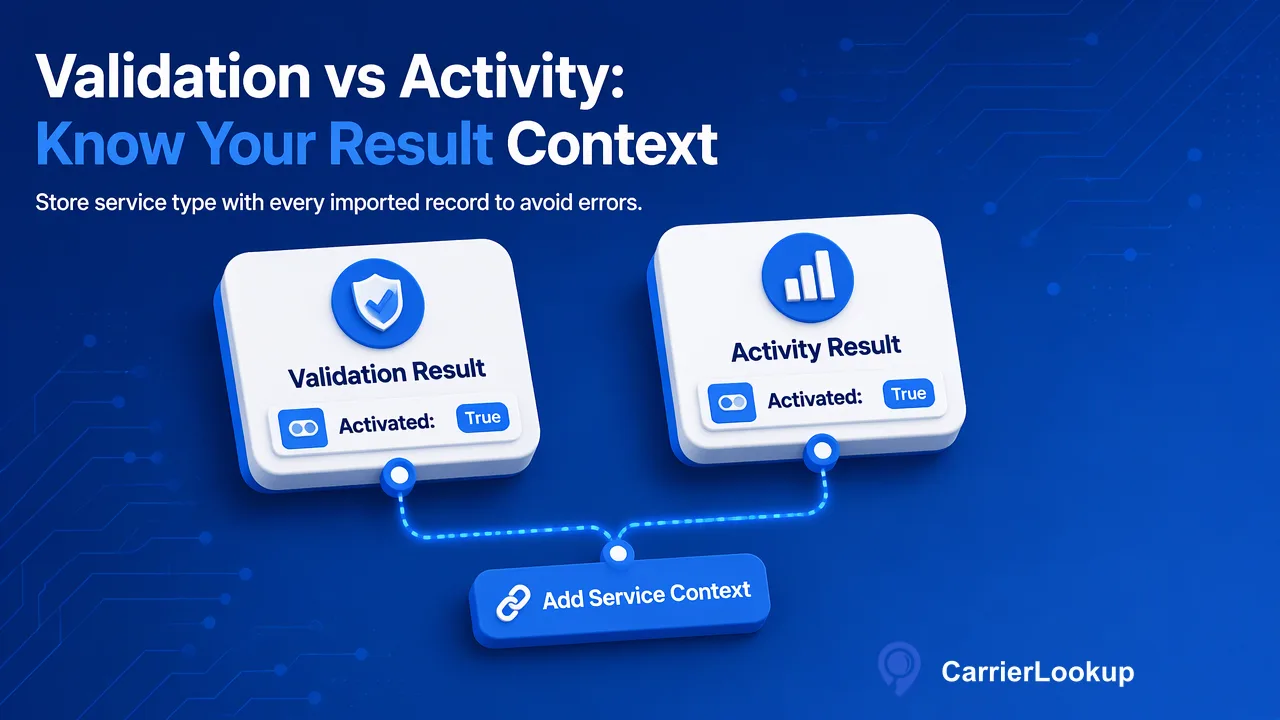
Choose CarrierLookup number validation or number activity by the question the team needs answered, and read activated only with its selected product context.
For a phone list, CarrierLookup number validation and number activity are separate asynchronous file products. Choose validation when the question concerns the number’s validity or activation decision; choose activity when the question concerns the documented activity decision. The activated column needs the selected service context to be meaningful.
Name the list decision before choosing a service
A data team may be cleaning a customer phone list before a new workflow. Some rows may be malformed, some may be numbers for which the team wants a validity or activation decision, and some may need a separate activity signal. These are not one universal ‘good number’ question. Write the downstream action first: is the team deciding whether to retain a number in a verified-input pipeline, or asking whether a number has the product’s activity observation? The answer determines which file task to request.
CarrierLookup documents number_validation_batch and number_activity_batch as distinct asynchronous services. The former addresses validity and activation; the latter addresses activity. A list can be submitted to the appropriate selected product after preparing numbers according to the current file rules. Do not infer that the activity result predicts a reply, call connection or message delivery.
Why the same column name does not mean the same thing
Both result CSVs contain identifier and activated. In a validation task, activated represents that service’s validity or activation decision. In an activity task, it represents the activity decision. A Boolean-looking field is therefore not self-describing once exported from its job. Store the service type, task ID and check date with every imported value. A dashboard that displays only activated=true without product context invites the next user to draw the wrong conclusion.
An explicit false value is a completed negative answer for the selected product. A missing value or failed task is not false. Keep a separate unresolved or processing state until the team knows which outcome actually occurred. This matters especially when a batch output is later joined to contact records: a blank cell must not cause a record to be dropped as if the service had rejected that number.
Choose the product by the work that follows
For a data-quality review, select number validation if a validity or activation decision is the missing piece. The result can inform the team’s own rule for asking a customer to update a number or examining a record before use. For an engagement-planning review, select number activity if the documented activity decision is what the team will actually use. It does not provide activity dates, counts, frequency or a specified observation window. A team that needs those fields should not invent them from the Boolean result.
When both questions matter, treat them as two separate checks with separate result meanings and costs. The fact that a number has one result does not imply the other. Before running two tasks, ask whether both values will change a decision; if the second result will never be used, the extra file creates work without information value. Keep any illustrative routing rule labeled as the customer’s choice, not a service requirement.
Keep original carrier allocation separate
CarrierLookup’s carrier_batch is a third file product. It reports the carrier originally allocated to a number range and related allocation fields. That answer is not a validation or activity result, and it is not the current serving carrier after porting. A team investigating carrier allocation should select that product directly rather than expecting the two activated file products to reveal carrier fields.
A useful selection worksheet has four columns: the business question, selected service type, expected output field, and action on explicit negative or unresolved output. For validation, write the validity decision and activated; for activity, write the activity decision and activated; for allocation, write the carrier question and its carrier fields. This short table prevents a later report from merging different evidence under a generic number-status label.
Prepare a comparison that survives the CSV import
CarrierLookup’s two signal file products accept a prepared phone-number list under their documented task limits. Use the current API documentation for accepted input and live limits. Preserve a stable source row key in the application and reconcile it to the downloaded result. For each run, record submitted and completed rows, explicit false values, empty values and task failures separately. A source row should remain visible even when it yields no usable decision.
Do not compare the services by asserting a universal accuracy rate or response forecast. Compare them by the question answered, the fields actually returned, and whether the outcome changes a real customer workflow. The next step is to choose one representative list, write its intended decision beside each selected service, and verify the resulting activated values under the correct product name before importing them into CRM rules.
Learn More
Choose the product information that fits the next step in your workflow.