
Phone Carrier Lookup API: One Request, One Original Carrier Result
Send one E.164 number to a carrier lookup API, read the original carrier and number type, and handle empty, undetermined and timeout outcomes.
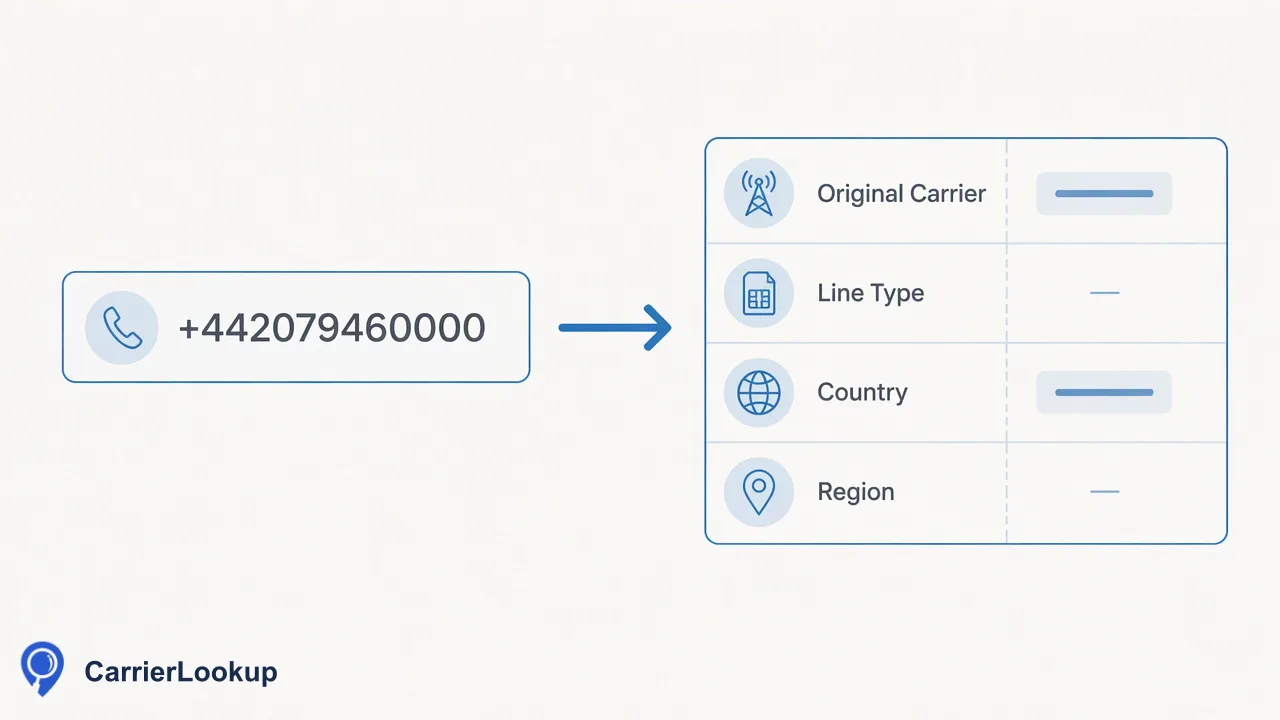
A developer walkthrough of a single-number phone carrier lookup API call: request, result reading, error handling and when to move to multi requests.
A phone carrier lookup API takes one phone number from your server and returns the carrier that number range was originally allocated to, plus related context. With CarrierLookup, a trusted backend sends one E.164 number to POST /api/v1/check with an X-API-Key header and receives a synchronous result: original carrier, underlying carrier, number type, country code and the region and city of allocation. The carrier is the original allocation, not the network after porting. A completed result with empty fields is still a completed lookup, while an undetermined check returns a non-zero business code. For up to 100 numbers in one call, switch to POST /api/v1/batch-check.
What a phone carrier lookup API returns
Many carrier lookup pages blur two different questions: who was this number range given to, and who serves the number today. CarrierLookup answers the first one. Its carrier result names the operator the number block was originally allocated to under the national numbering plan. In countries with number portability, a subscriber can keep the number while moving to another provider, as the FCC porting guide explains, so the original carrier and the present provider can differ.
A completed single result, described in plain words, contains:
- Original carrier: the operator the range was allocated to.
- Underlying carrier: the network behind that carrier, when a value is available.
- Number type: the kind of range, such as mobile or fixed line.
- Country code, region and city: where the range was allocated, not where a person or device is.
Treat these as allocation context for grouping, routing tests and review. A carrier result does not show that a number is in service, can receive calls or SMS, or belongs to a particular person.
Sending one number to the carrier lookup API
The single-number route is a short, synchronous request. A typical integration follows five steps:
- Keep the key on a trusted server. The REST API authenticates with an X-API-Key header. Call it from your backend or a job runner, never from browser or mobile app code where the key could be copied.
- Normalize the input to E.164. The ITU-T E.164 plan defines the international format. CarrierLookup expects a leading plus sign, the country code and the subscriber number, with no spaces, dashes or brackets. A UK number written as 020 7946 0000 becomes +442079460000. Libraries such as libphonenumber can parse local formats when the record's country is known.
- Send it to POST /api/v1/check. One number per request. No separate country selection is needed, because the country code is part of the number.
- Wait for the synchronous response. The result comes back in the same response; there is nothing to poll.
- Store the result with a lookup date. Allocation data is stable for a range, but recording when each lookup ran keeps audits simple.
If the input is rejected for its format, fix the number and resend. A format rejection says nothing about the carrier.
Reading completed, empty and undetermined results
The most common integration bug is treating three different outcomes as one. Branch on the business code first, then on the values.
| Outcome | What the response shows | How to handle it |
|---|---|---|
| Completed with values | Success code and filled carrier, type and allocation values | Write the values to your record |
| Completed but empty | Success code, some or all carrier values blank | Store as "unavailable"; it is still a completed, chargeable lookup |
| Undetermined | Non-zero business code and a message | Do not store blanks as a result; retry later or route to review |
| Format rejected | Error about the input | Correct the number; this is not a "no carrier" answer |
Two rules follow from the table. Second, an undetermined check is not a successful empty result, so never write empty fields from it into your CRM. Failed or undetermined lookups do not keep a charge, while completed lookups do, even when their fields are empty.
Optional fields such as underlying carrier, region or city may be blank on otherwise complete results. Design your schema so each field can be null independently.
Handling timeouts, concurrency and balance
The public API documents a small set of usage controls rather than a per-minute quota. An account has five shared in-flight slots for synchronous requests, and only one multi request can run at a time. Single requests have a documented timeout ceiling of 60 seconds, so set your HTTP client timeout slightly above that rather than at a few seconds.
Practical handling:
- Queue instead of flooding. If your signup or import job produces bursts, keep a small worker pool so no more than five lookups are in flight.
- Retry undetermined results with spacing. Use a delay and a retry cap; repeated immediate retries rarely help.
- Log the business code and message. They explain failures far better than an HTTP status alone.
- Read the balance without spending it. GET /api/v1/balance returns the remaining balance at no cost, which suits a pre-flight check before a large job.
For the current limits on your account, check the API documentation rather than hard-coding assumptions; the API does not publish a fixed daily request cap.
When to switch to POST /api/v1/batch-check or a file task
The single-number route fits event-driven work: a form submission, a new CRM record, a support agent checking one contact. Once a job regularly handles several numbers at once, one call per number adds overhead.
- POST /api/v1/batch-check accepts 1 to 100 E.164 numbers in one synchronous request, and the numbers may come from different countries. Results return in the same order as the input, so you can map each row back by position. Each row carries an exists flag; false means no normal result for that row, not that the number is invalid or disconnected. If a multi request times out, the whole request fails without partial results and the reserved amount returns in full, so keep batches modest and retry the batch.
- The dashboard accepts up to 500 numbers for a synchronous multi lookup without code.
- Bulk file tasks suit whole lists: an asynchronous upload of a TXT or CSV file for one selected country, polled until a single CSV is ready. Per-product limits apply; see the API documentation.
The same lookups are also available to AI assistants through the official MCP endpoint, which covers single and multi checks but not file tasks.
FAQ
How can teams tell an empty carrier result from a failed lookup?
Check the business code before reading any values. A success code with blank carrier fields is a completed lookup and should be stored as unavailable. A non-zero code means the check was undetermined or failed; nothing should be written as a result, and the record can be retried later or sent to review. Keeping these two paths separate avoids marking good records as missing data.
Does the carrier lookup API show the network a number uses today?
No. The carrier value is the operator the number range was originally allocated to. After a subscriber ports the number, that original operator stays the same in the result even if service moved elsewhere. Teams that need allocation context for grouping, routing tests or review can use it directly; it should not be treated as the present serving network or as contactability.
Should a frontend call the carrier lookup API directly?
It should not. The X-API-Key header grants access to the account balance, so calls belong on a trusted server. A common pattern is for the frontend to submit the phone number to your own backend, which normalizes it to E.164, calls POST /api/v1/check, stores the result and returns only what the interface needs to display.
Learn More
Choose the product information that fits the next step in your workflow.