
Number Allocation Region and City: Read Carrier Results Correctly
Understand what region and city mean in carrier lookup results, how to handle empty fields, and why allocation geography is not a live location.
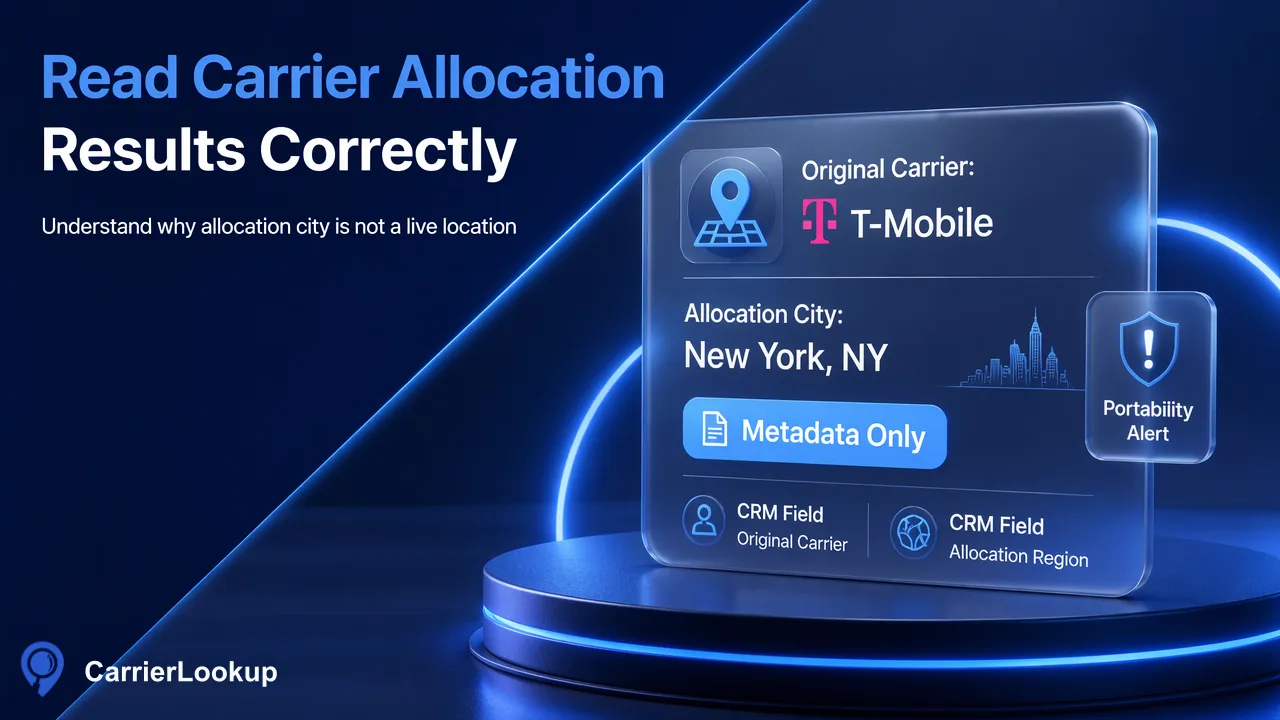
A field-level guide to using number-allocation geography without confusing it with a person’s location.
Number allocation region and city fields describe the geographic context associated with a phone number range. In CarrierLookup results, they do not locate the person, phone or current network connection. Treat them as allocation metadata that may help group records for data review. They can be blank even when the lookup completed, and a number's original carrier can differ from its later serving provider after portability. Store the fields with the lookup source and check time, keep empty values empty, and use a separate source for any question that truly requires a customer's current address or device position.
What allocation geography describes
Phone numbering plans assign numbers and number ranges according to administrative rules. In the North American system, for example, the North American Numbering Plan Administrator's code records identify an area code and prefix, operating company and rate center for assigned codes. That is assignment information, not a GPS observation. CarrierLookup's country_code, region and city fields should be read in the same category of allocation context. The product's original carrier lookup page describes the available carrier and number-allocation information.
A useful internal label is “number allocation region” rather than “customer region.” That wording makes the field's origin clear in a CRM export or analyst dashboard. It also prevents a team from silently changing the question being answered. If a sales territory rule is based on a customer's declared address, it should read the address field, not a phone-number allocation city. If a reviewer is investigating why several records share a particular numbering pattern, the allocation fields may be appropriate context. Always state which of these questions the workflow is asking before using the field.
Why a city value is not a live location
A number can remain the same while a person moves, changes devices or changes providers. The FCC consumer guidance explains that a customer can keep a number when switching service providers under number portability. The location associated with a numbering assignment therefore should not be used as a current-location observation. A carrier result contains no GPS coordinates, device movement, subscriber address or proof that a device is connected in the reported place. Even when a city field contains a familiar city name, it is tied to the number's allocation context.
This difference matters in practical workflows. A support representative might see an allocation city that differs from a shipping address; that mismatch alone is not a reason to reject the customer's stated address. An operations analyst might aggregate numbers by allocation region to understand a source list's numbering mix; the chart must be labeled accordingly. A fraud reviewer can use the field as one piece of context, but cannot call the customer “located in” that city based on the result. Treating the field as an attribute of the number range rather than the person keeps an otherwise useful data point from becoming a false personal claim.
Read region and city alongside the rest of the result
CarrierLookup offers a synchronous single lookup and synchronous multi checks for E.164 numbers, plus a separate asynchronous bulk file product. The documented result includes original carrier, underlying carrier, number type, country code, region and city. For a single check, a completed result can have empty carrier fields. Empty allocation values mean no usable value was returned for those fields; they do not, by themselves, prove the number is invalid, inactive or disconnected. Preserve a distinction between a completed lookup with blanks and a failed request or rejected number format. The API documentation gives the current contract.
In a local staging table, keep the submitted E.164 number, product, check time and each returned field in its own column. Use a separate import-status column for parsing and matching errors. Do not overwrite a prior known customer address with region or city. If several source rows share a number, resolve their local ownership mapping before applying any result. For bulk output, remember that the identifier is country-coded digits without the leading plus sign used by realtime input. Normalize a comparison key for joining, while retaining the original input and output strings for audit.
Choose a safe grouping or review use
An allocation geography field can support a labeled distribution report: count how many checked numbers returned a given region, how many returned a city and how many had no usable allocation value. This can help a team inspect a phone list assembled from several sources or decide which records need manual cleanup. Avoid placing an empty region into an “unknown country” group if a country code was returned; each field has its own availability. Likewise, a city field should not be promoted into a person-level location profile.
A hypothetical example shows the distinction. Suppose a CRM row contains a customer-declared delivery city and a CarrierLookup result contains a different allocation city. The analyst should retain both under separate labels and investigate only if the workflow has another valid reason to do so. The lookup did not observe a move, a fraudulent address or a roaming handset. If a team wants to route a regional campaign, it can use its own verified customer preference or address data and keep allocation geography as background context. That makes the result helpful without demanding a conclusion it cannot support.
Document the field meaning in every export
A data dictionary entry can prevent later misuse. For region and city, record “number-range allocation geography returned by CarrierLookup; may be empty; not customer or device location.” Record carrier as originally allocated carrier and note that portability can separate that value from a later provider. Store the time of the lookup as the time the team checked the number, not the time the number was assigned or the time a person appeared in the area. These are local metadata and explanations, not additional fields promised by the product.
In charts and CSV exports, use column names such as allocation_region and allocation_city in the team's own transformed dataset. Keep the raw product fields accessible for reconciliation. Count blanks explicitly and publish the denominator for any regional distribution, because a chart that silently drops missing values can imply unwarranted completeness. Review downstream joins before a field is used to change a record. A city label is most useful when the question genuinely concerns numbering allocation; for address verification or live location, the team needs other evidence.
FAQ
Does the region field tell teams where a person lives?
No. It describes number-allocation geography. A customer may live or work elsewhere, and the result does not contain a verified address. Keep any customer-declared or independently verified location in a separate field and label the allocation value clearly in reports.
What should teams do with an empty city value?
Preserve it as an unavailable field value. A completed lookup can have empty carrier or allocation fields, so a blank city should not become a claim that the number is invalid or that the person has no location. Count blanks separately in analysis.
Can portability change how the carrier field is interpreted?
Yes. CarrierLookup reports the originally allocated carrier, and a number may later be ported. That original-carrier value remains allocation context rather than evidence of the provider serving the number now. Keep the original meaning in the data dictionary and use another documented source for a current-network question.
Learn More
Choose the product information that fits the next step in your workflow.