
Carrier Lookup MCP vs REST API: Choose the Right Workflow
Choose an interactive MCP carrier check, a synchronous REST request, or an asynchronous file task based on list size, review, and audit needs.
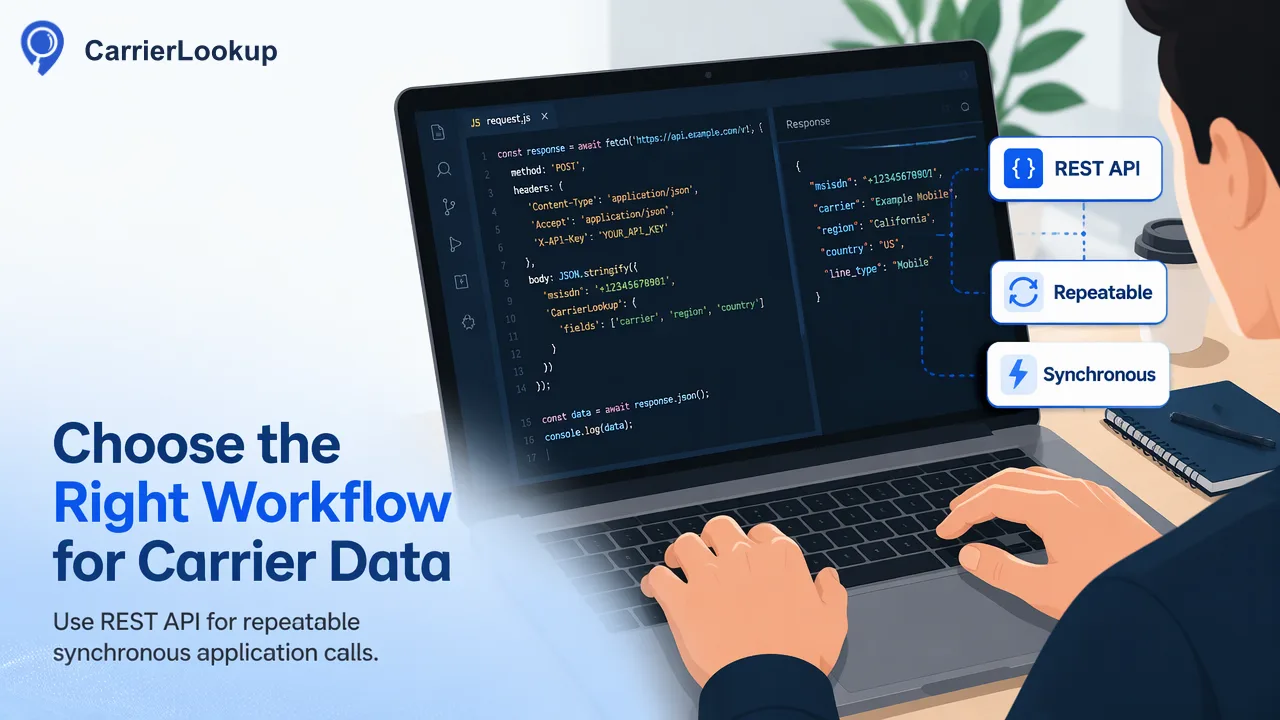
Use MCP for reviewed checks inside an AI assistant, REST for repeatable application calls, and REST or dashboard file tasks for large prepared lists.
Use CarrierLookup MCP when a person is reviewing a small number of phone numbers in an AI assistant and can approve each lookup. Its documented tools list products, check one number or 1–100 numbers synchronously, and read balance. Use the REST API when application code must make a repeatable synchronous request. For a prepared file that needs asynchronous processing, use a REST bulk task or the dashboard; MCP exposes no file-task tool. The choice affects authorization and review, while the result remains original allocation data, not current network or reachability evidence.
Match the task to the documented interface
CarrierLookup MCP documentation describes four tools: product listing, check_number, check_numbers, and get_balance. The check tools return in the session. check_numbers accepts 1–100 numbers and preserves input order. It does not upload a file or create a background task.
| Team task | Interface | Why it fits |
|---|---|---|
| Analyst checks one number while reviewing a record | MCP check_number, with human approval |
The question and result stay in the analyst’s review flow. |
| Analyst compares a short, approved set of 1–100 numbers | MCP check_numbers |
One synchronous request retains input order; review each result individually. |
| Backend enriches records through a controlled job | REST POST /api/v1/check or POST /api/v1/batch-check |
Code owns input validation, retries, logging and result mapping. |
| Team processes a prepared CSV or TXT list | REST POST /api/v1/bulk-tasks and GET /api/v1/bulk-tasks/{id}, or dashboard file task |
It is an asynchronous file workflow with a later result CSV. |
REST synchronous multi also handles 1–100 numbers; choose by whether a reviewer or application supervises the work. For file tasks, follow the API reference and its current product limits rather than treating the MCP multi tool as a bulk uploader.
Separate approval from repeatable execution
For an interactive check, ask the human reviewer to confirm the intended numbers, purpose, and service before the assistant calls a tool. Limit the assistant’s available tools and access to the work the reviewer actually authorized. These are team controls, not built-in MCP guarantees. Record the reviewer, input set reference, requested service, time, and tool invocation in your own workflow without putting full phone numbers in broad logs.
For a backend job, define the input source and allowed use before code calls REST. Normalize numbers to the documented E.164 form for realtime checks. Keep a job identifier, input version, request time, endpoint, response outcome, and a protected mapping back to the source records. A synchronous timeout or occupied slot is not a completed carrier result; handle it as an operational branch. This separation makes reruns explainable and avoids turning a conversational request into an uncontrolled recurring batch.
A file job has another review point. Prepare the one-column TXT or CSV, choose the intended country in the documented bulk workflow, submit, then check task status and download the result CSV after success. Review the preprocessing counts and reconcile the returned rows against the prepared input before changing records. The dashboard fits operators; REST fits repeatable application jobs.
Keep credentials in the correct place
The two surfaces use the same account key and balance but send the key differently. The MCP guide specifies Authorization: Bearer in a trusted MCP client configuration. The REST reference specifies X-API-Key on server-side API calls. Neither credential belongs in an assistant prompt, a shared transcript, browser-side source, example result, or diagnostic log. Protect the configuration and restrict operator access.
Check balance before a planned run through the documented balance tool or REST balance endpoint, then compare account records after the work. Both interfaces draw from one balance; switching from MCP to REST does not create a separate budget. For a bulk file, distinguish a temporary reservation from the final charge and any unused reserve returned to the wallet. Log the run behind each charge; a returned reserve is not a purchase refund.
Interpret and store the answer narrowly
CarrierLookup’s carrier field names the carrier to which the number range was originally allocated. Porting may make that different from the current serving network. underlying_carrier is a separate result field when available; do not silently replace the original-carrier answer with it. region and city describe number allocation geography, not where the person or device is now. None of these fields establishes reachability, active service, ownership, identity, or consent.
For each result, preserve the input reference, interface, service type, lookup time, response status, and the returned fields. Mark empty fields as unavailable rather than inventing a carrier. A completed code=0 check can have empty carrier fields and still count as a completed lookup. In synchronous multi results, exists=false means no normal result for that row; it does not prove that the number is invalid or disconnected. A rejected format or undetermined response belongs in a different outcome bucket.
For current network, delivery, or control of a number, obtain different evidence. For allocation context, start with one human-reviewed example using the MCP tool guide, then move a recurring list to the documented REST or file-task route with an explicit job log and result review.
Learn More
Choose the product information that fits the next step in your workflow.