
Carrier Detection API: Adding Carrier and Line Type Context to a Signup Backend
How a signup backend calls a phone carrier check, stores original carrier and number type for review, and handles timeouts, errors and API keys.
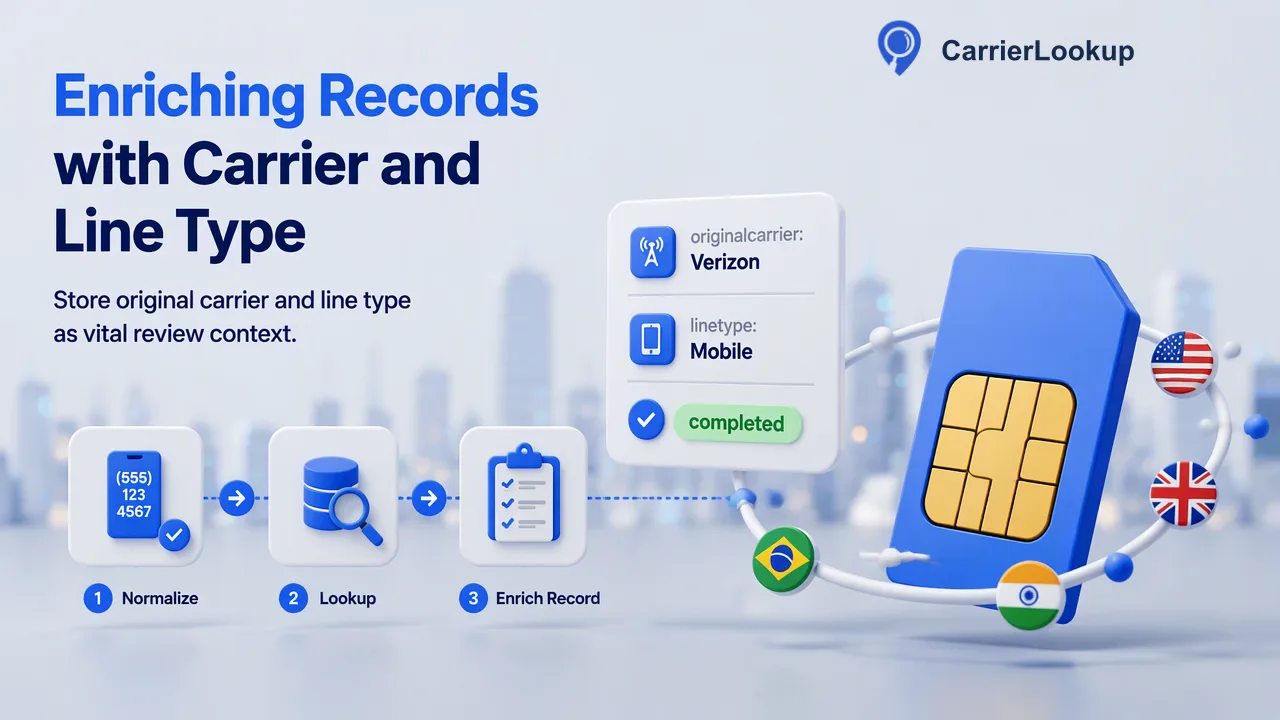
A backend integration guide for calling a carrier detection API after phone signup, storing original carrier and number type as review context, and handling failures safely.
A carrier detection API, in a phone signup flow, is a server-side call that takes the submitted number and returns the carrier its range was originally allocated to, the number type and allocation geography. With CarrierLookup, the backend normalizes the number to E.164, sends it to POST /api/v1/check with an API key kept on the server, and stores the result beside the account as review context. The best placement is after the form is accepted and before any routing or manual review decision, so a slow or undetermined lookup never blocks the user from finishing signup.
Phone number lookup vs IP-based carrier detection
Searches for a carrier detection API return two different kinds of service, and choosing the wrong one wastes an integration sprint.
| Question | IP-based detection | Phone number carrier lookup |
|---|---|---|
| Input | The visitor's IP address or request headers | A phone number in E.164 format |
| What it describes | The mobile network the current web session appears to come from | The carrier the number range was originally allocated to |
| Changes when | The visitor switches Wi-Fi, VPN or network | The numbering allocation changes, which is rare |
| Typical use | Content adaptation, traffic analytics | Contact data context, routing tests, review queues |
A signup backend that wants to understand the phone number a person typed needs the second kind. An IP lookup says nothing about the number, and a number lookup says nothing about the browsing session. Some teams store both, but they answer different questions and should sit in separate fields with separate names.
Where the carrier detection API call belongs in signup
Put the lookup in the backend, after your own form validation and before any decision that uses its output. A sequence that works for most products:
- Accept the form. Check that the phone field is present and plausibly formatted.
- Normalize to E.164. Convert the input to a plus sign, country code and subscriber digits with no spaces, as defined in ITU-T E.164. Synchronous checks do not need a separate country selection, so the country code inside the number carries that information.
- Create the account in a pending-context state. Do not hold the HTTP response open while waiting on the lookup if your signup page has a tight latency budget.
- Call
POST /api/v1/checkfrom a job or worker with one number. - Store the result with the lookup time and a status such as completed, empty or undetermined.
- Apply your own rules. Route the account, add it to a manual review queue, or do nothing.
Running the call in a queue keeps signup responsive and gives retries a natural home.
What to store from each lookup
A completed check describes the number's allocation in plain terms: the original carrier, the underlying carrier when a brand runs on another network, the number type such as mobile or fixed line, the country code, and the region and city attached to the range. Store these in fields whose names say what they are, for example original_carrier rather than carrier, and allocation_region rather than location. Region and city describe where the range was allocated, which is not where the person signing up is.
Keep three more values beside them:
- Lookup timestamp, so reviewers know how old the context is.
- Outcome: completed with values, completed with empty values, or undetermined.
- Input sent, the exact E.164 string, which makes later audits and re-checks simple.
A completed result can legitimately come back with every carrier field empty. Save it as completed-empty, not as a failure and not as evidence of anything about the account. That distinction matters later when someone builds a dashboard on top of these fields.
Handling timeouts, undetermined results and rejected input
Three failure shapes need different code paths, and merging them is the most common integration bug.
| Situation | What it means | Backend action |
|---|---|---|
| Input rejected for format | The string was not valid E.164 | Fix normalization; do not record a carrier outcome |
| Undetermined result (non-zero business code) | The check could not reach a result | Mark undetermined, retry later with backoff |
| Request timed out | No answer within the documented ceiling | Treat like undetermined; retry from the queue |
The public API documents timeout ceilings for single and multi requests, and a limited number of shared in-flight synchronous slots per account. Keep your worker concurrency below that shared budget rather than firing one request per signup in parallel during traffic spikes. Failed or undetermined lookups do not keep a charge, so a retry policy does not need to worry about double billing, but it should still cap attempts, for example three tries spread over an hour, and then leave the account with an undetermined status for a reviewer.
Keeping the API key on the server
The REST API authenticates with an X-API-Key header, which must only ever be sent from a trusted server. Never call the lookup from browser JavaScript or a mobile app bundle; anyone can extract a key shipped to a client and spend your balance with it.
Practical controls, in line with the OWASP Secrets Management Cheat Sheet:
- Load the key from a secrets manager or the deployment platform's secret store, not from source code.
- Give only the lookup worker read access to it.
- Rotate it on a schedule and immediately after a suspected leak.
- Never write the key, or full request headers, into application logs.
- Watch account balance with
GET /api/v1/balance, which reads the balance without charging, and alert on sudden drops that do not match signup volume.
Also protect the trigger itself. Rate-limit your own signup endpoint so automated form submissions cannot turn into a stream of paid lookups.
Using the result in routing and review
Treat carrier and number type as inputs to rules your team owns, not as verdicts. Some examples teams use:
- Routing tests. Group new accounts by original carrier and compare how different messaging providers perform for each group in your own metrics.
- Review queues. Send accounts whose number type is outside what the product expects, such as a fixed-line number on a mobile-first app, to a reviewer with the context attached.
- Data quality. Flag sign-ups where the country code of the number and the country chosen in the form disagree, so support can ask for a correction.
Write the rules down and keep them reversible. A reviewer looking at a flagged account should see the lookup values, the lookup time and the rule that fired. Because the carrier reflects original allocation, a result never stands alone as proof that a phone can receive a code or belongs to the person signing up; pair it with your existing verification step.
FAQ
How can teams check many existing accounts that signed up before the integration?
Use POST /api/v1/batch-check for the back catalogue in groups of up to 100 E.164 numbers per request. Results come back in input order, and each row says whether a normal result exists. Rows without a normal result should be marked for a later retry rather than recorded as empty. Very large historical lists are better handled as an asynchronous bulk file task submitted per country.
How can a backend avoid paying for the same number twice?
Keep a cache keyed on the normalized E.164 string with the lookup time. When a number already has a completed result from a recent check, reuse it instead of calling the API again. Allocation context changes slowly, so many teams refresh only when a record is edited or when the stored result is older than a period they choose, such as several months.
How can developers test the integration before going live?
Point the worker at a staging configuration with its own API key and a small balance, then run a scripted set of cases: a valid mobile number, a fixed-line number, an input that fails E.164 normalization and a forced timeout. Confirm each path writes the expected outcome status and that no key or header appears in the logs before switching production traffic on.
Learn More
Choose the product information that fits the next step in your workflow.