
Batch Phone Number Lookup: Synchronous Multi Requests vs Bulk File Tasks
Compare CarrierLookup synchronous multi requests with asynchronous bulk file tasks by input, timing, output and fit, then pick the right route for your list.
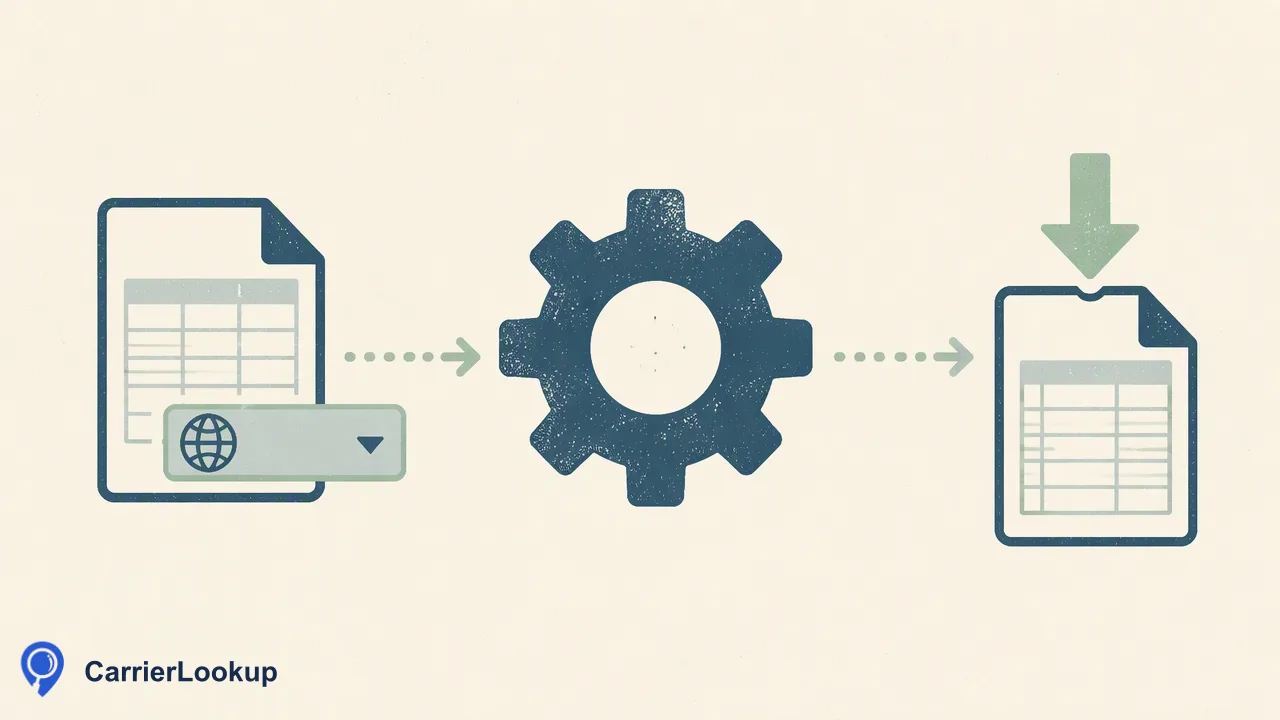
A comparison of CarrierLookup's two batch routes, the synchronous multi request and the asynchronous bulk file task, with a decision guide by list size and workflow.
Batch phone number lookup with CarrierLookup means one of two different routes. A synchronous multi request takes up to 100 numbers through the API, or up to 500 on the dashboard, and returns ordered results in the same response. A bulk file task takes a TXT or CSV file for one selected country, runs asynchronously, and ends with one downloadable CSV. Choose the multi request for small groups and live workflows, and the file task for whole large lists. Both return original carrier and number-allocation context, not the current carrier after porting and not a reachability signal.
Two batch routes, two different jobs
Teams searching for a batch phone number lookup often assume that every batch tool works the same way. CarrierLookup deliberately offers two shapes, and mixing them up is the most common planning mistake.
The synchronous multi request is an interactive call. You send a group of E.164 numbers, wait, and receive one ordered answer. Numbers in the group may come from different countries, and no separate country selection is needed.
The bulk file task is a job. You prepare a one-column TXT or CSV file, select one country, submit it, and come back later for the result. The work happens in the background, and the output is a file rather than a response body.
| Question | Synchronous multi | Bulk file task |
|---|---|---|
| Where it runs | API and dashboard | API |
| Input | Numbers in E.164 | TXT or CSV, one number per line |
| Countries | Mixed countries allowed | One selected country |
| Timing | Answer in the same response | Submit, then poll |
| Output | Ordered results | One downloadable CSV |
Per-product limits apply to both routes, so check the current API documentation before sizing a job.
How a synchronous multi request behaves
Use POST /api/v1/batch-check from a trusted server, with the API key sent in the X-API-Key header. The dashboard offers the same idea in the browser for larger groups, up to 500 numbers.
Each number must be written in E.164 form: a leading plus, the country code and the subscriber number, with no spaces or separators. A badly formatted number is rejected for its format. That is a formatting problem to fix, not a finding that the number has no carrier.
The response reports how many numbers were submitted, how many succeeded and how many failed, followed by the results in the same order you sent the numbers. Order matters because it lets you map each answer back to a row in your own table without a join key.
Two behaviours deserve attention:
- A result marked as not existing means no normal result came back for that number. It is not a statement that the number is invalid or disconnected.
- If the whole request times out, it fails as a unit. No partial results are returned, and the full amount is returned to your balance.
Because the call is synchronous, keep it out of any path where a user is waiting on a page load unless you have handled the timeout.
How a bulk file task behaves
Use POST /api/v1/bulk-tasks with a multipart body. Put the country field before the file field, because the order matters in multipart submission. Then read progress with GET /api/v1/bulk-tasks/{id}.
A task is in one of three states: processing, success or failed. Poll no more often than once every 30 seconds. A tighter loop adds load without making the task finish sooner, and no completion time is documented, so plan around the status rather than a clock.
Before the main run, the file is preprocessed. Invalid rows, duplicates, numbers without a country code and numbers outside the selected country are excluded, and excluded rows are not charged. A task can also fail during preparation if the file does not meet the acceptance conditions, in which case the reserved amount returns to your wallet in full.
On success you download one CSV, not a ZIP. Its columns are the identifier, carrier, underlying carrier, number type, country code, region and city. In the CSV the identifier is plain digits with the country code and no plus sign, so normalize your own keys before you join the file back to a database. Empty cells mean the value is unavailable.
Choosing by list size, country mix and workflow
Start with the shape of your data rather than the raw count.
- A mixed-country group that needs an answer now. Use a synchronous multi request. A one-file task would force you to split the list by country first.
- A large list that is essentially one country. Use a file task. Select the country, submit the file and let preprocessing remove duplicates and stray numbers.
- A large mixed-country list. Split it by country code, then submit one file task per country. Anything that does not fit a country file can go through multi requests in chunks of up to 100 numbers.
- A record-by-record check inside signup or CRM entry. Use the single-number check, POST /api/v1/check. Numbers from mainland China, Hong Kong and Macau are supported only through realtime single-number checks at small volumes, so route them there rather than into a multi request or a file.
Bulk work also fits batch jobs that run overnight or between campaigns, because you submit, poll and collect. Multi requests fit loops that already process data in small chunks and can write results straight back to a database or CRM.
Billing and balance checks for both routes
Both routes draw on one shared balance, and each completed number is charged at the same published rate. Failed or undetermined lookups do not keep a charge. A completed lookup whose carrier fields are all empty is still a completed lookup and can still be charged, so do not read an empty row as free or as proof that no carrier exists.
A file task reserves an estimated amount at submission and then charges only the numbers that returned results. The unused part of the reserve, or the whole reserve of a failed task, returns to the same wallet. This is reconciliation inside your balance, not a purchase refund.
Before any large submission, read the balance with GET /api/v1/balance. The call does not charge anything, and it tells you whether the reserve will fit. Add the same check to a scheduled job so that a low balance stops the run before it starts instead of failing in the middle of a pipeline.
Reading the results correctly
Whichever route you pick, the data means the same thing. The carrier is the one the number range was originally allocated to. It is not the network serving the number today, because porting can move a number without changing the original allocation. The underlying carrier and number type add context, and region and city describe allocation geography rather than where a person or device is.
That makes the output useful for grouping, routing tests and review queues. It is not evidence that a number can receive calls or messages, that it is active, or who owns it.
Store each field as an original-allocation attribute, keep empty values labelled as unavailable, and avoid overwriting any field that your own systems confirmed by other means. Teams that treat these fields as allocation context avoid most disputes later about what the data promised.
FAQ
How can teams decide between a multi request and a file task?
Look at list shape first. A group of mixed-country numbers that needs an immediate ordered answer suits a multi request. A large list that is essentially one country suits a file task, which runs in the background and ends in one CSV. Per-product limits apply, so confirm the current API documentation before sizing either route.
How can teams handle the order of results in a multi request?
Results come back in the same order the numbers were sent, so keep your own list in a stable order and match by position. Treat a not-existing result as no normal result, not as an invalid number, and retry only the rows you need after fixing any format problems.
How can teams avoid wasted polling on a bulk task?
Poll the task status no more often than once every 30 seconds and stop when the state is success or failed. No completion time is documented, so build the job around the status. On success, download the single CSV and normalize the identifier before joining it to existing records.
Learn More
Choose the product information that fits the next step in your workflow.